14, January 2026
|
Alternativeui library
Best Neobrutalism.dev alternative
Two of the most popular neobrutalist UI libraries are neobrutalism.dev and retroui.dev. But since neobrutalism.dev is no longer maintained, RetroUI is clearly the way forward.
DA
Dov Azencot
@DovAzencotIf you’re reading this blog, there’s a high chance you love the neobrutalist design system. However, neobrutalism can be difficult to pull off properly. Unless you’re an experienced designer, using a UI library is often the easiest way to achieve a solid result.
Two of the most popular neobrutalist UI libraries are neobrutalism.dev and retroui.dev.
The OG Library
Neobrutalism.dev is one of the earliest UI libraries built specifically for the neobrutalist design system. With bold colors, thick borders, sharp edges, and raw layouts, it felt refreshing at a time when most UI libraries leaned toward overly clean and minimal styles. That originality is what drew many developers to it.
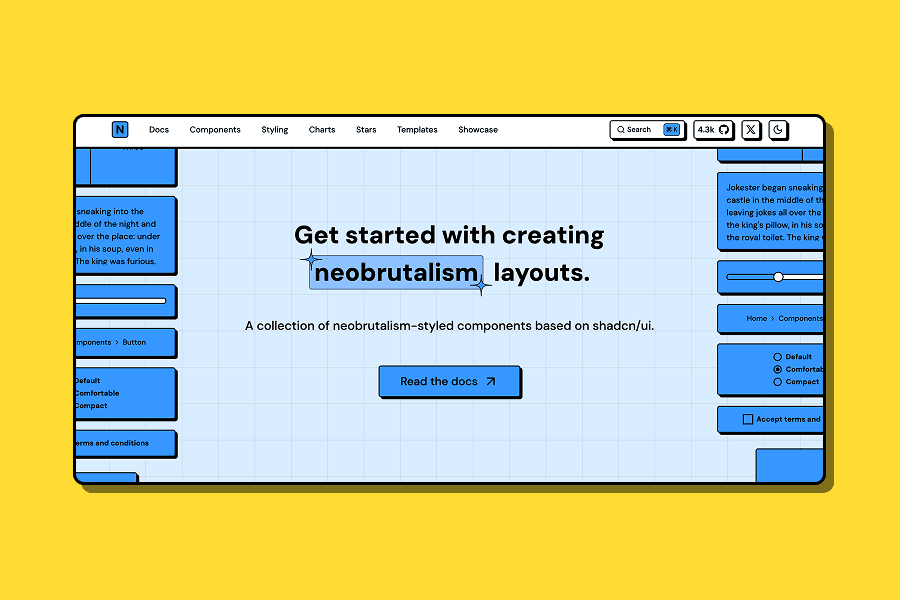
Samuel deserves credit for spotting the potential of neobrutalism early and turning it into a usable UI library for developers.
Unfortunately, as of July 20, 2025, neobrutalism.dev is no longer actively maintained. Samuel made an official announcement about this in the project’s GitHub community.
The Announcement: https://github.com/ekmas/neobrutalism-components/discussions/100
If you check the GitHub repository, you’ll also notice that the last update was made over 6 months ago. While the library still has value, the lack of ongoing maintenance makes it harder to rely on it for modern or long-term projects.
Taking Neobrutalism to the Next Level
While neobrutalism.dev is no longer maintained, RetroUI receives weekly updates, with new components added regularly. Because it’s actively maintained, developers don’t have to worry about broken components, outdated patterns, or compatibility issues.
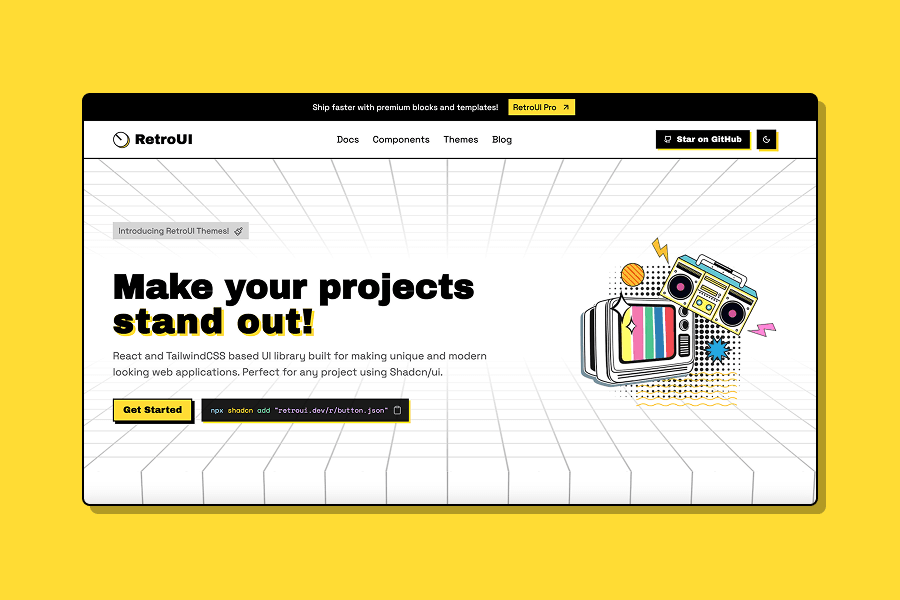
RetroUI is built for modern projects. Whether you’re working on a personal portfolio, a creative agency website, or an SaaS product that needs a strong visual identity, RetroUI helps your interface feel bold, expressive, and production-ready.
Why RetroUI Is the Go-To Neobrutalist UI Library
An Active Community
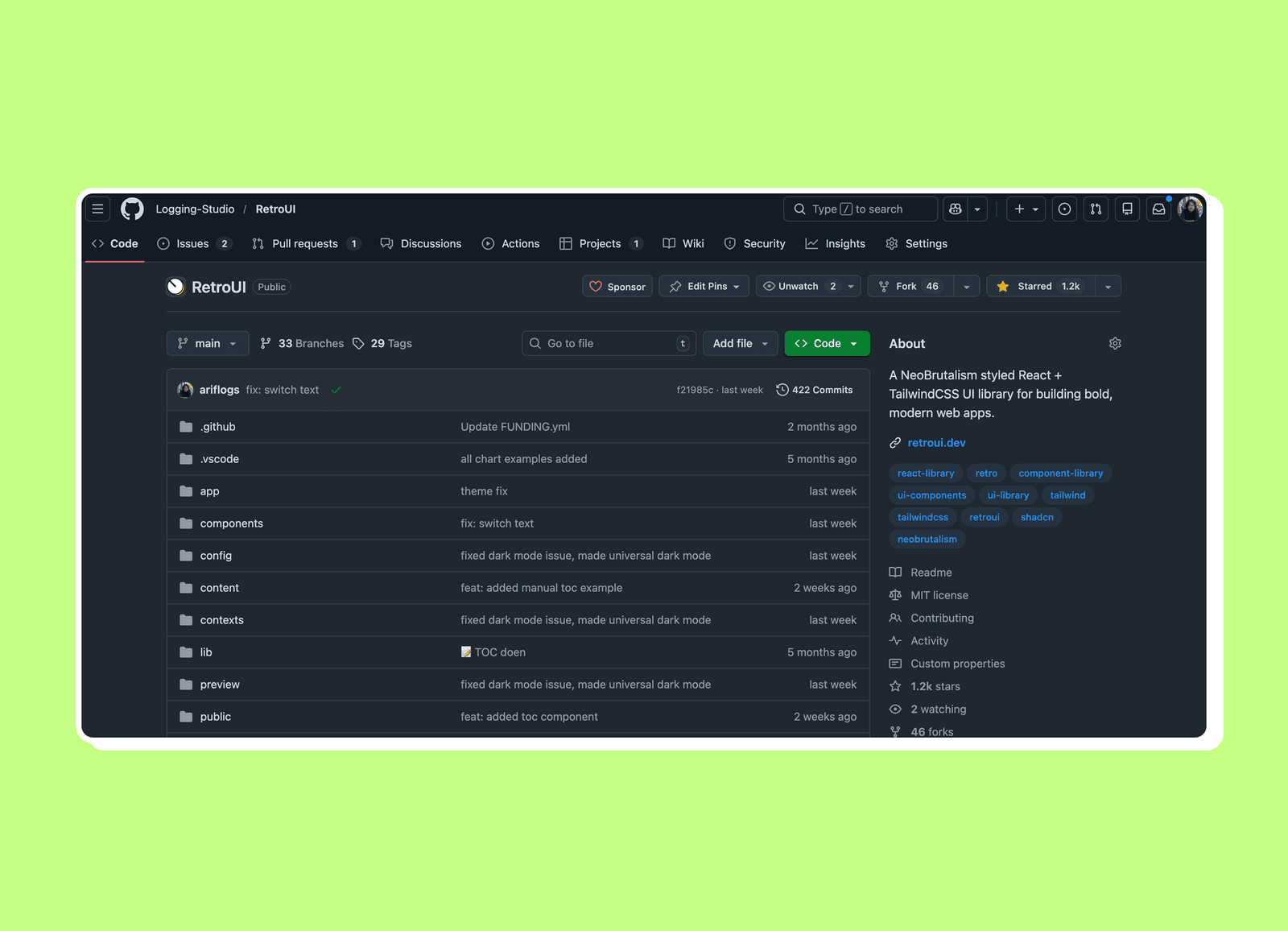
RetroUI has received over 1,200 stars on GitHub, and the number continues to grow every week. There’s also an active Discord community where developers and designers can ask questions, share ideas, and help each other.
Open Source Components
RetroUI is built on a strong open-source foundation. All core components are fully open source, well documented, and designed to work out of the box with modern stacks like React, Tailwind CSS, and Radix UI.
The library includes a wide range of essentials, including Buttons, Forms, Dialogs, Navigation, Tables, Charts, and more. Each component follows the same neobrutalist principles: bold visuals, thick borders, sharp edges, and a clear, opinionated style.
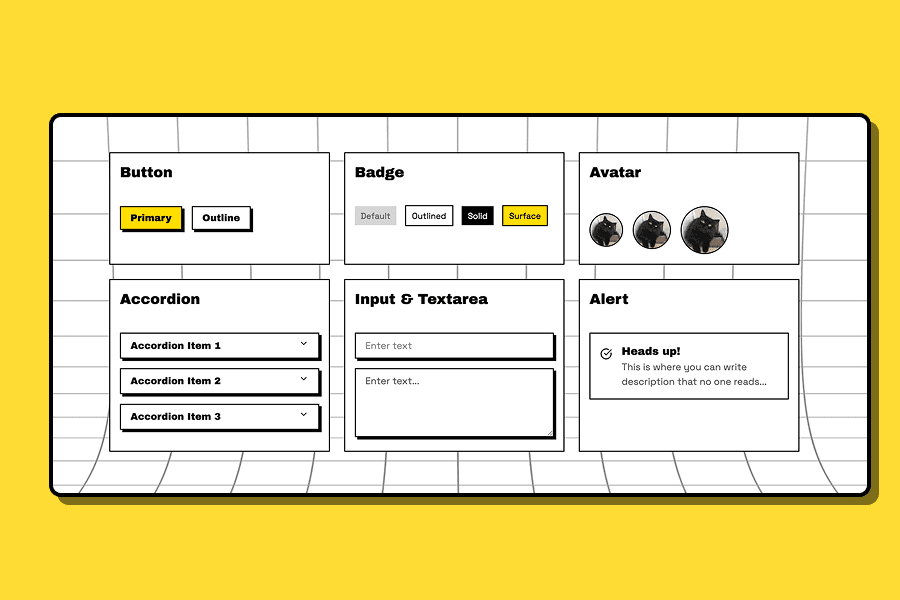
RetroUI also comes with 7 different themes using Shadcn theme variables, making it easy to switch up the look and feel without rewriting components. We have Yellow, Red, Purple, Lime, Lavender, Orange, Green, and more themes are coming.
Pro Blocks, Templates & Figma Kit
RetroUI goes beyond a standard UI library by offering everything you need to design and ship faster.
With RetroUI Pro, you can ship faster using 150+ premium UI blocks 🚀. You’ll find ready-made sections like hero layouts, blog listings, testimonial sections, pricing tables, feature grids, call-to-action blocks, and more.
Each block is built in RetroUI’s bold neobrutalist style, so everything feels consistent, expressive, and intentional right out of the box.
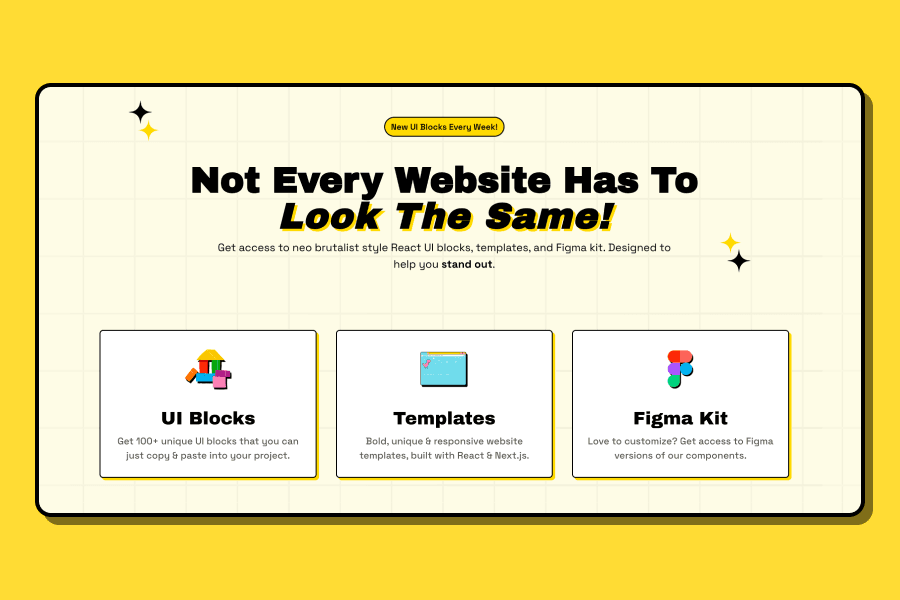
RetroUI Pro also includes ready-to-use website templates designed for quick launches while remaining fully customizable. Currently, there are four live templates available, with a new release planned every two months.
For designers, the RetroUI also has a Figma Kit that includes 150+ neobrutalist-styled components and UI blocks. It covers everything from core UI elements to complete layout sections, making it easy to design, iterate, and collaborate before moving to code—all while staying consistent with the RetroUI design language.
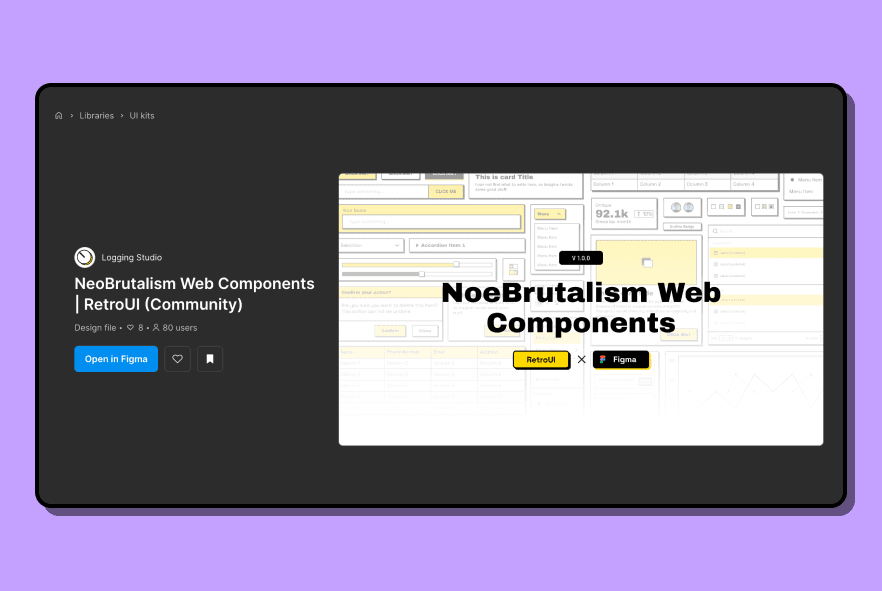
Whether you’re wireframing, polishing high-fidelity designs, or collaborating with developers, the Figma Kit helps you move faster and experiment freely.
Conclusion
If you loved neobrutalism.dev, it’s still worth appreciating what it brought to the ecosystem. However, since it’s no longer actively maintained, RetroUI is the clear next step.
With an active community, weekly updates, open-source components, premium UI blocks, templates, and a Figma kit, RetroUI makes it easy to build neobrutalist websites without starting from scratch.
More than just a UI library, RetroUI represents a bold step forward for neobrutalism.
← Back to blogs