12, February 2024
|
reactui librarytop 5
Top 5 React UI Libraries in 2025
Using UI libraries can significantly speed up your development. In this article, we will explore the top 5 for your next React project.

DA
Dov Azencot
@DovAzencotReact remains one of the most popular JavaScript frameworks for building web applications, and UI libraries play a important role in speeding up development. Using UI libraries can significantly speed up your development process and help you create consistent, high-quality user interfaces.
Fortunately, there are many React great UI libraries available that can help you achieve this. Here are the top 5 React UI libraries in 2025 that you should consider using in your next project.
1. RetroUI
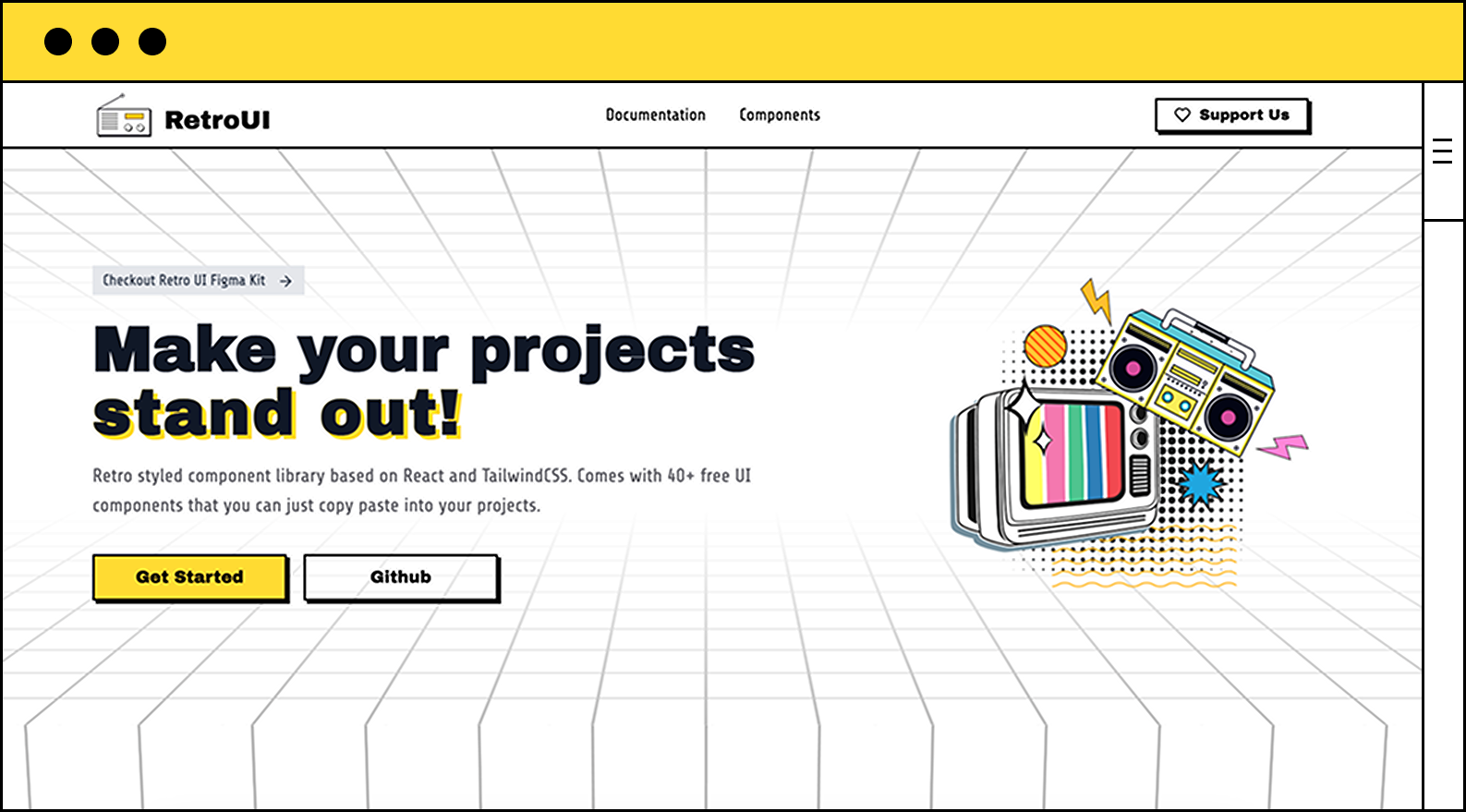
If you are bored with generic looking UI libraries, you should check out RetroUI. It brings a combination of retro and modern design elements to create a unique and memorable user experience. The library is built with React and Tailwind CSS, making it easy to integrate into your existing projects.
RetroUI comes with 100+ utility components, including buttons, cards, modals, and more that you can just copy-paste into your projects.
Why use RetroUI in 2025?
- Unique Design: RetroUI's unique design elements make it stand out from other UI libraries.
- Easy to Use: RetroUI's components are easy to use and can be customized with Tailwind CSS.
- Bold Design System: For websites that aims to look bold, RetroUI can be a perfect fit.
Drawbacks
- Bold Design System: RetroUI's biggest benefit can also be it's biggest drawback, If you are looking for a more subtle design, RetroUI might not be the best fit.
- Smaller Community Size: As a new UI library, RetroUI doesn't have a large community yet compared to other mainstream libraries.
Use Case
Perfect for someone looking to combine old school and modern design!
2. Chakra UI
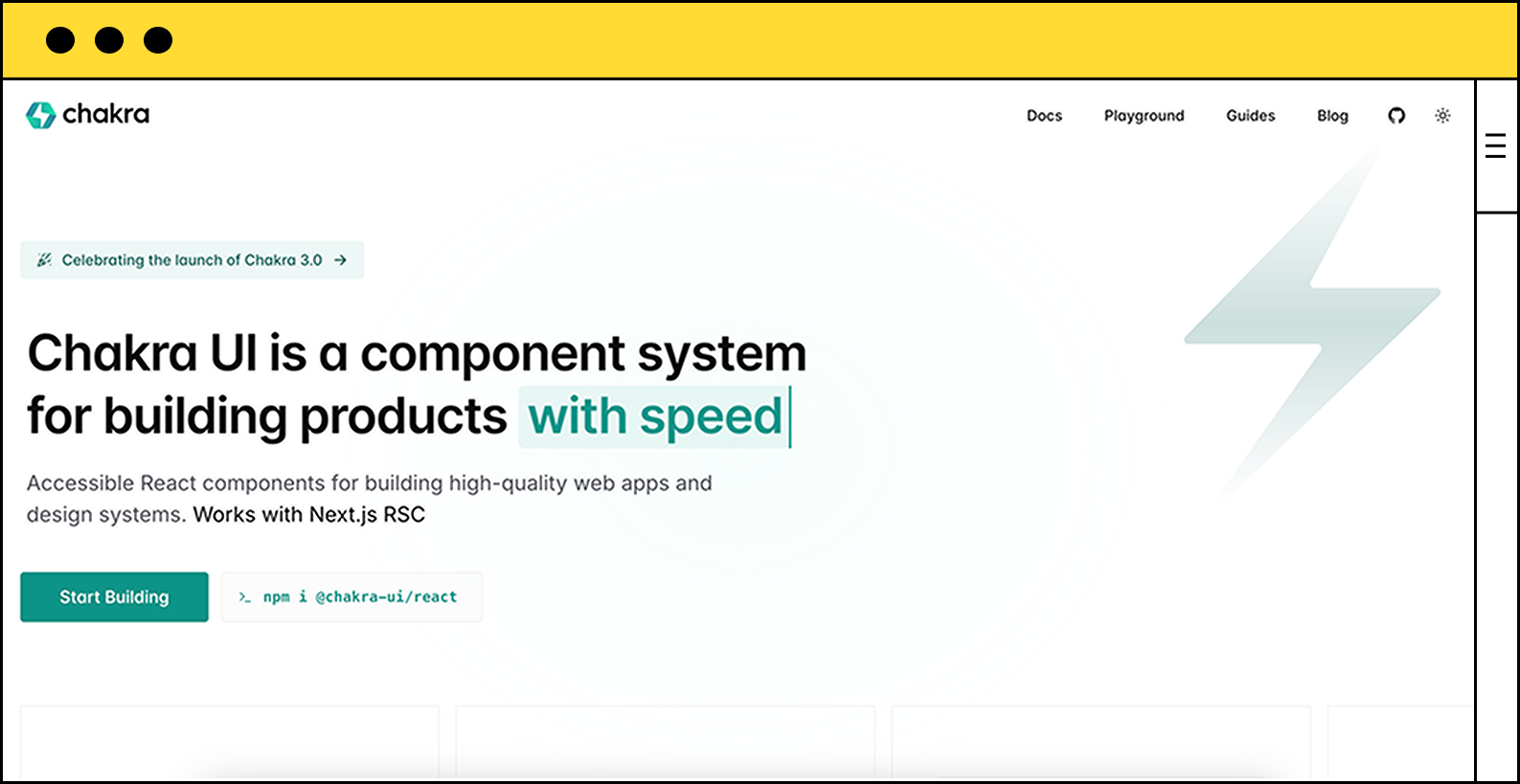 Chakra UI has gained popularity for its simplicity and flexibility. It offers a modern, accessible, and easy-to-use components that can fit any React applications.
Why Chakra UI in 2025?
- Large Selection of Components: Chakra UI offers a wide range of components, including
dialogs,forms,icons,stats, and more. - Ease of Styling: Chakra UI Uses a prop-based styling approach that allows for easily customize the components.
- Theming Support: Chakra UI allows deep customization along with a playground where you can try and test your themes.
- Utilities: Chakra UI also provides a bunch of helper components that can handle some common functionalities.
import { FormatNumber } from "@chakra-ui/react";
<FormatNumber value={1234.45} style="currency" currency="USD" />;Drawbacks
- Heavy: The unpacked size of Chakra UI is over 2MB, and combining that with it's core dependencies, can make Chakra UI a heavy library to use.
Use Case
Developers who don't wanna spend a lot of time on building/styling UIs, as ChakraUI has almost all the common components you can think of.
3. Shadcn/UI
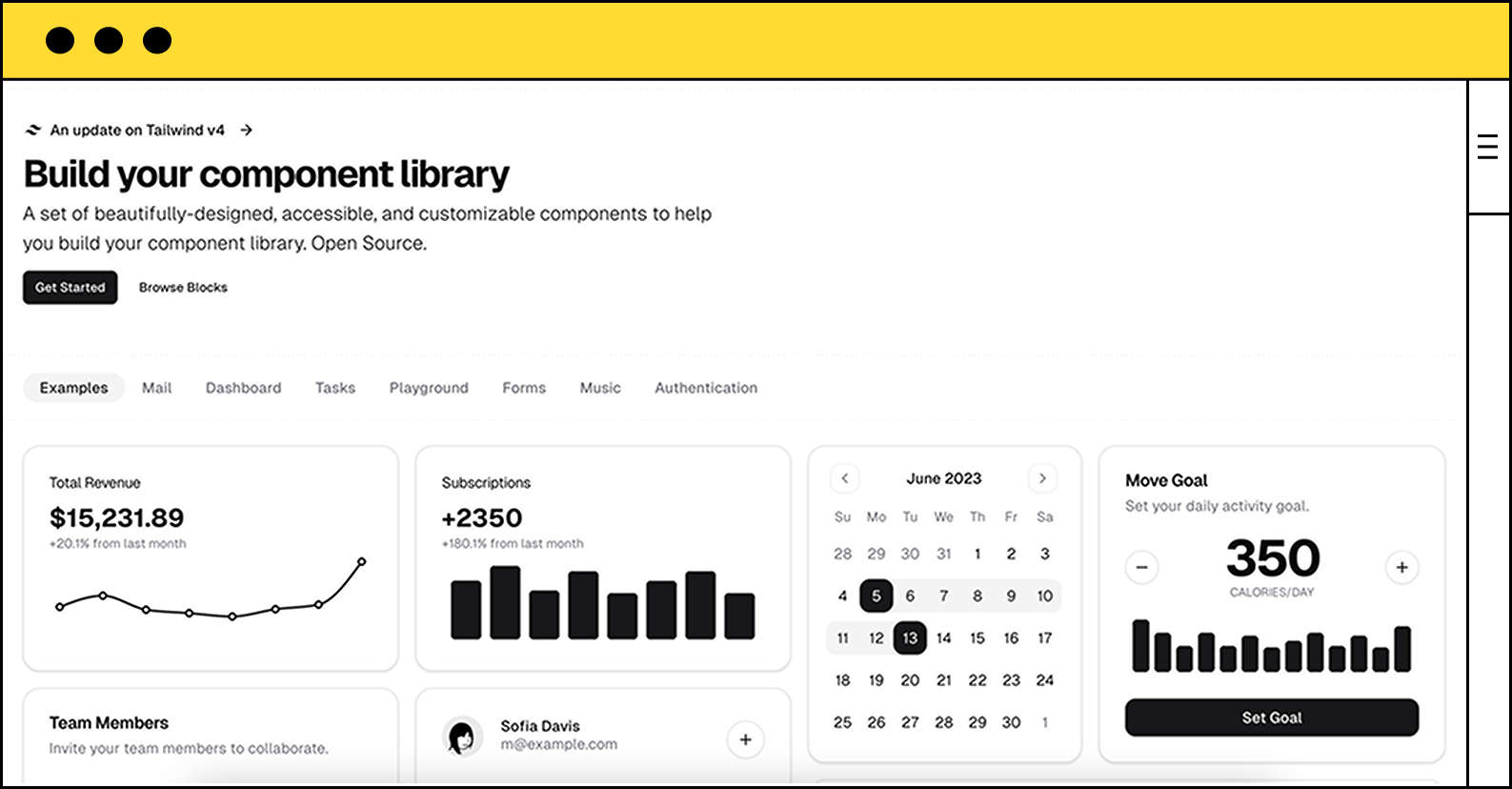
Shadcn is not necessarily a UI library, but a collection of UI components that you can use to build your own UI library. It's a great starting point for building your own UI library, as it provides a lot of components that you can use and customize.
Why Use ShadCN in 2025?
- Fully Customizable: Unlike traditional UI kits, it doesn't have a specific design language. You can fully customize it to match your brand's design.
- Minimalistic Design: If you like clean and minimalistic design, you'll love ShadCN.
- Backed by Vercel: Shadcn is now managed by Vercel and integrates well with other Vercel products like NextJS, v0 and AI SDK.
- Developer-Friendly: No lock-in—just import and customize as needed.
Drawbacks of ShadCN
- Learning Curve: If you're new to component libraries, it might take some time to get used to.
- Looks Generic: ShadCN components look generic, as it's meant to be. So you might have to put some effort into making them look unique.
4. Hero UI
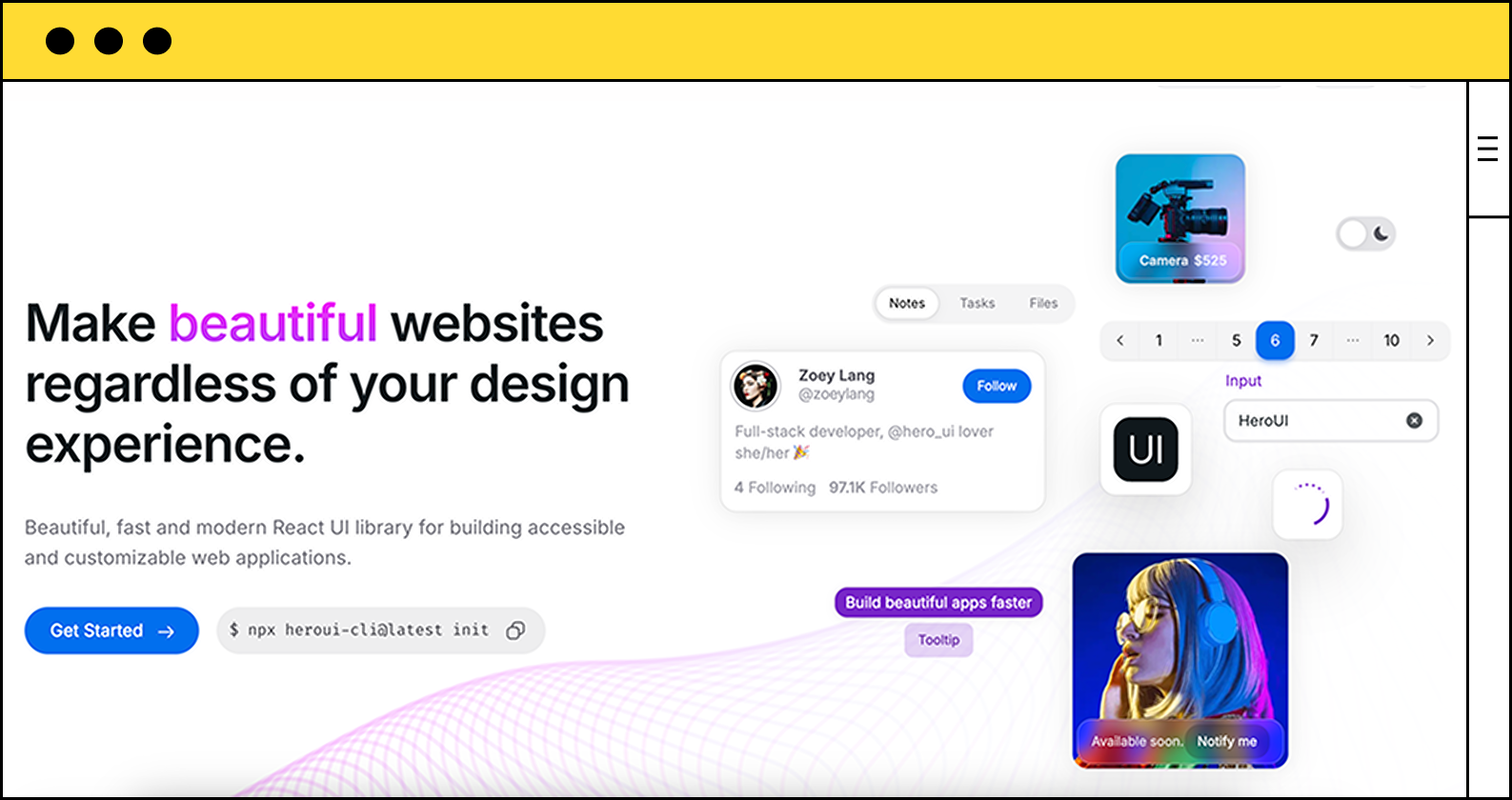
Hero UI is a relatively newer UI library that offers a wide range of base and animated components for Next.js and React applications.
Why use Hero UI in 2025?
- Modern Design: Hero UI offers a modern and sleek design that is perfect for building responsive and accessible applications.
- Animation Support: Most of it's components supports animations out of the box.
- Developer-Friendly: Hero UI is easy to use and integrate with existing React projects.
- CLI Support: Hero UI comes with a CLI that makes it easy to initialize new projects and install components.
Drawbacks
- Limited Customization: Hero UI has a opinionated design, so you might not be able to customize it as much as you want.
Use Case:
If you want to make your website look and feel like Apple's, Hero UI is the go-to choice.
5. Mantine

Mentine is a fully featured React UI library that offers a wide range of components, hooks, and utilities for building modern web applications.
Why Mantine in 2025?
- Rich Component Library: Mantine offers a wide range of components, from basic
buttonsto complexdata tables. - Hooks-Based: Mantine's hooks-based architecture makes it easy to integrate with existing React projects.
- Extensions: Mentine offers some free extensions like
Code Highlight,Rich text editorthat can come in handy.
import { CodeHighlight } from "@mantine/code-highlight";
const exampleCode = `
function Button() {
return <button>Click me</button>;
}
`;
function Demo() {
return (
<CodeHighlight
code={`// Custom copy label${exampleCode}`}
language="tsx"
copyLabel="Copy button code"
copiedLabel="Copied!"
/>
);
}- Focus on DX: Mantine prioritizes developer experience with excellent documentation and TypeScript support.
Drawbacks:
- Large Size: Mantine's extensive feature set comes at the cost of a larger bundle size!
- Learning Curve: Mentine as so many features like
@mentine/hooks,@mentine/charts,extensionsand much more which can be overwhelming for beginners.
Use Case:
Mentine is a great choice for data intensive applications, dashboards, and admin panels.
Conclusion
In 2025, the React ecosystem is more vibrant than ever, with UI libraries catering to a wide range of needs. Whether you're looking for a minimal design system like Shadcn, or an bold design system like RetroUI, there's a React UI library for almost every project.
When choosing a library, consider factors like customization, performance, accessibility, and community support. Each of these top 5 libraries has its strengths, so pick the one that aligns best with your project requirements and development style.
← Back to blogs